
Event Registration Cancelled? How to Ask the Organizer Why: A Practical Guide
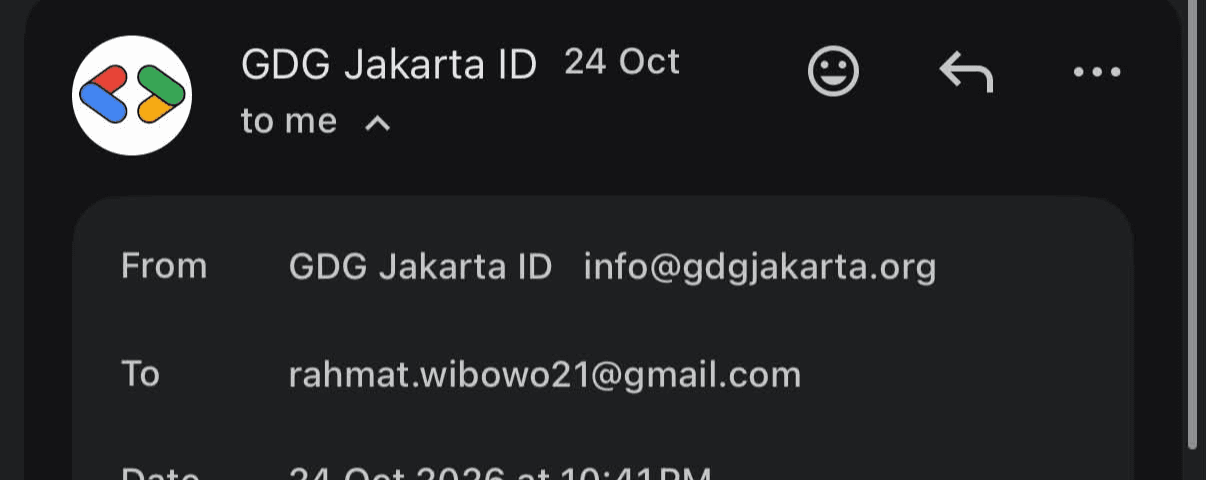
A cancellation email with no reason is common, and it is easy to guess wrong about who did it. Here is a short, safe process that gets an answer without accusing anyone, using the DevFest Jakarta 2026 case as the example.
This guide draws on my own experience with a cancelled DevFest Jakarta 2026 registration. It is general advice, not legal advice.
Step 1: Read what the email actually says
Write down, word for word: the sender, the date and time, the subject and the sentence that says what happened. In my case: "cancelled by the organizer and you have been removed from the event." That tells you the organization acted. It does not tell you which person did, or whether a system did.
Step 2: Check the boring explanations first
- Payment status. Look at any invoice for amount paid and due date. Unpaid orders are often released automatically.
- Capacity. Free or early-bird places may be capped.
- Duplicate or invalid registration. The same email or phone used twice.
- Eligibility rules. Some events screen applicants.
None of these needs a person with a grudge. Rule them out before you form a theory about anyone.
Step 3: Ask the organizer in writing
Reply to the cancellation email, or write to the address it came from. Keep it short and neutral. A template:
Hello, I received a notice on [date, time] that my registration for [event] was cancelled by the organizer. Could you tell me (1) the reason, (2) whether it was automatic or manual, and (3) whether I can be reinstated? My order number and proof of payment status are attached. Thank you.
Attach: the cancellation email, the invoice, and any payment proof. Do not name or guess at an individual.
Step 4: Set a time limit and keep a record
Give a reasonable window, for example three working days. Keep screenshots of the emails with their headers and times. Redact your phone number, email address and invoice numbers before sharing any image.
Step 5: Escalate with facts, not with names
If there is no answer, use the organizer's official public channels: the community's social accounts, its contact form, or its parent organization. State the facts and the question. Avoid naming a speaker, volunteer or staff member unless there is a document that ties them to the decision.
What not to do
- Do not assume a person caused it. A speaker on the poster is not necessarily on the organising team. In my case, Alvin Prayuda Juniarta Dwiyantoro is named on the poster as a workshop speaker, and no document I hold ties him to the cancellation. I wondered about him once, and the record shows why that was a guess and not a finding.
- Do not read a blank page as a block. On LinkedIn, "This page doesn't exist" can mean a deleted profile, a changed URL, or a block. The page alone does not say which.
- Do not publish accusations before you have asked. A public accusation closes the door on a simple correction.
- Do not post an unredacted screenshot. Phone numbers and invoice numbers can be misused.
Where this advice may fall short
Some organizers do not reply, and in that case a public, factual record may be the only option left. Even then, the record should say what the documents show and what they do not.
Right of reply and correction policy
Event organizers, including GDG Jakarta, are invited to send corrections or added context, including how they prefer to receive cancellation queries. If reliable evidence shows that any statement here is wrong, I will correct it and note the change.
Published by Rahmat Wibowo, InfraLoka — infraloka.co.id
#ProfessionalBlacklist #AlvinPrayudaJuniartaDwiyantoro #EventManagement #CustomerRights #DevFestJakarta2026